
Download 3D Viewer – 3D model viewer, 3D animation viewer, real-time 3D visualization, 3D design tool, 3D inspection tool, 3D rendering app, 3D visualization software
Overview
3D Viewer is a mobile application developed by Microsoft, designed to deliver real-time 3D visualization capabilities directly on Android devices. The app enables users to view and interact with 3D models and animations with a high degree of precision and responsiveness. Its primary purpose is to support professionals and enthusiasts in inspecting, presenting, and sharing 3D content without the need for complex desktop software. This makes it particularly valuable for designers, engineers, architects, and educators who require portable access to 3D assets.
The app addresses common challenges in mobile 3D viewing by offering intuitive controls and robust rendering performance, allowing users to explore complex models on the go. Whether reviewing a prototype, preparing a presentation, or analyzing geometric data, 3D Viewer provides a reliable tool for visual inspection. It supports a range of 3D file formats, enabling seamless integration into existing workflows. The application also enhances collaboration by allowing users to share models with others via standard file transfer methods.
As part of Microsoft’s broader ecosystem of productivity tools, 3D Viewer fills a niche in mobile visualization, offering a lightweight yet capable solution for on-the-move 3D content access. The app’s release in November 2016 marked an early effort to bring professional-grade 3D viewing to smartphones and tablets, positioning it as a foundational tool for mobile 3D workflows. Its continued availability as a free application underscores Microsoft’s commitment to accessible design and engineering tools.
Key Features & Functionality
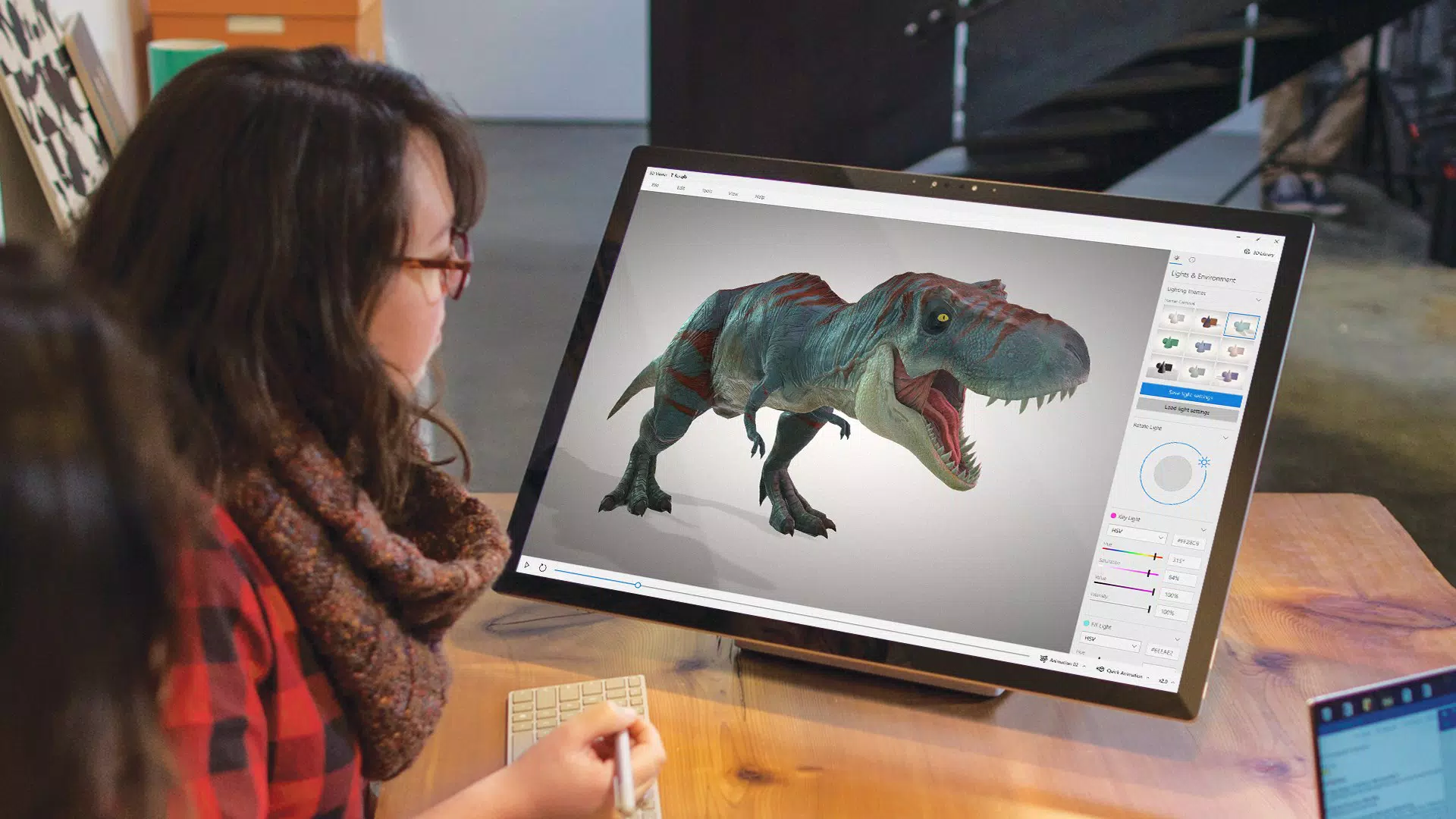
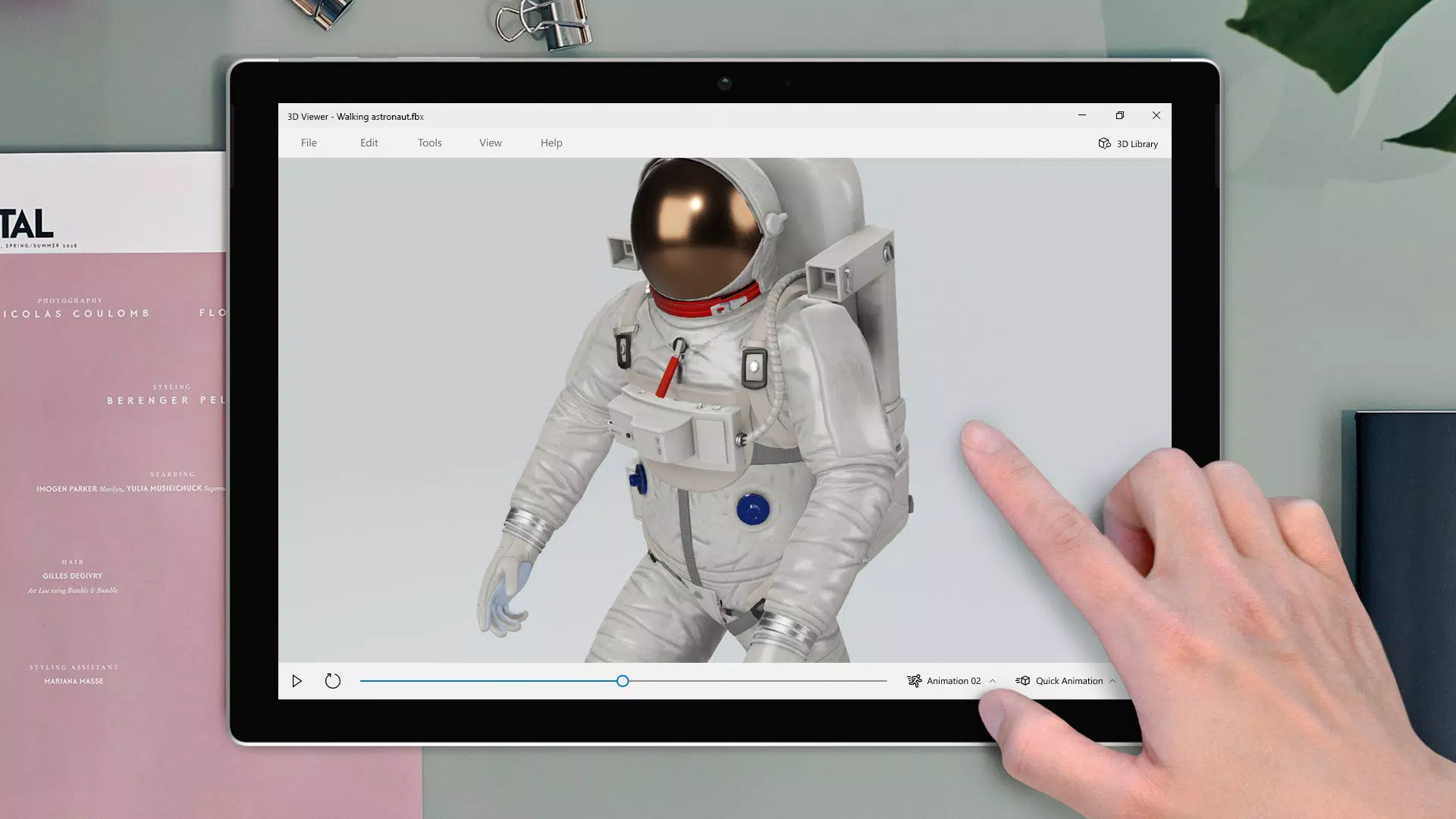
- Real-time 3D Viewing: The app renders 3D models and animations dynamically, allowing users to rotate, zoom, and pan in real time. This feature enables a fluid inspection process, ideal for assessing spatial relationships and design details.
- Advanced Lighting Controls: Users can adjust light sources to simulate different environments. This helps highlight surface textures, material properties, and depth, which is especially useful during client presentations or technical evaluations.
- Detailed Model Data Inspection: 3D Viewer provides access to metadata such as material types, vertex counts, and geometry structure. This information supports in-depth analysis and facilitates informed decision-making during design iterations.
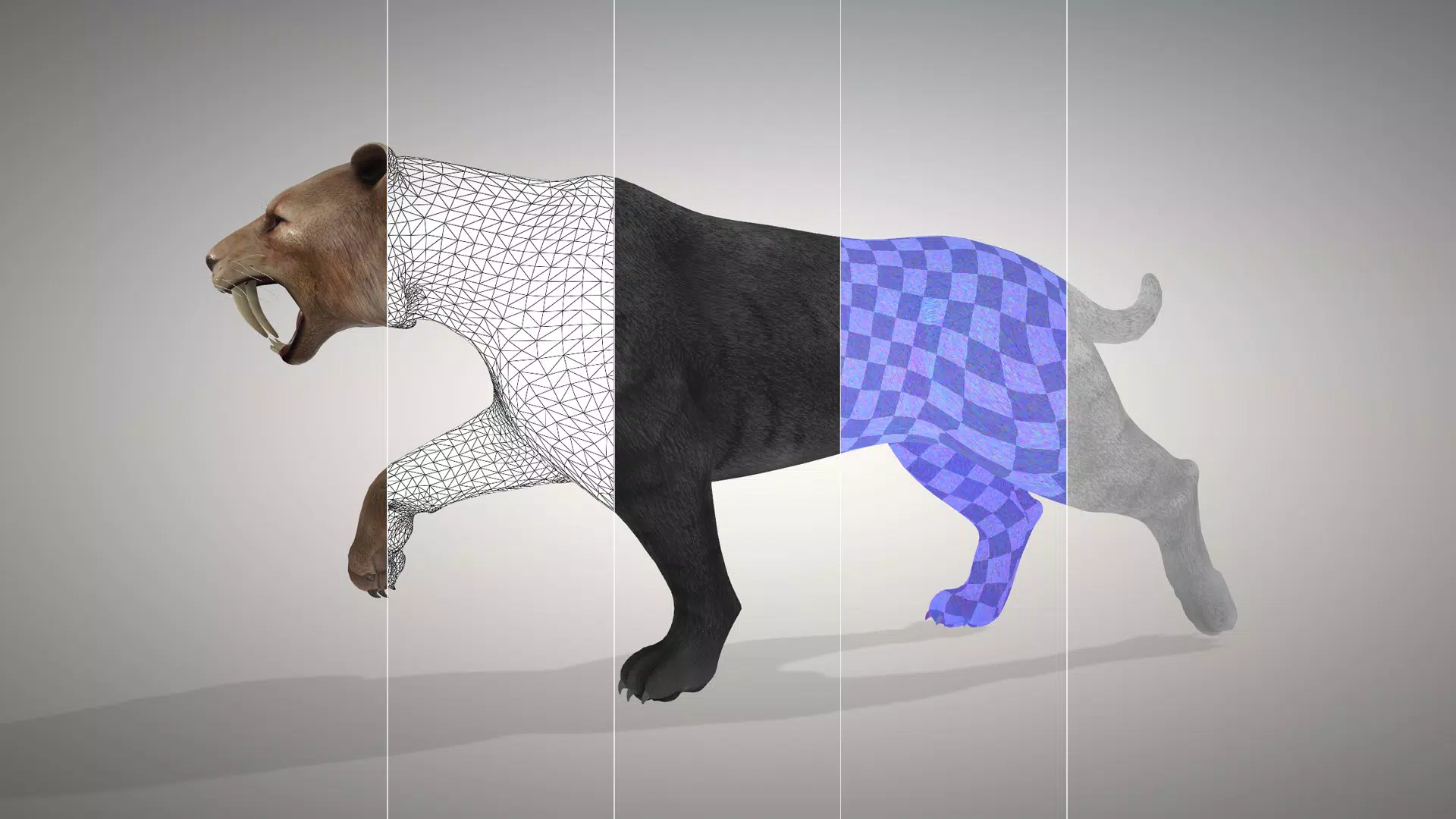
- Multiple Shading Modes: The app offers various visual representations including wireframe, solid, and shaded modes. Switching between these modes allows users to balance detail visibility with rendering clarity based on their current task.
- User-Friendly Interface: With a clean layout and minimal learning curve, the app is accessible to both beginners and experienced users. Navigation is intuitive, with gesture-based controls for rotation and scaling, enhancing the overall usability.
For example, an engineer might use the wireframe mode to examine structural integrity, while a designer could switch to shaded mode to evaluate lighting effects in a product mockup. The ability to toggle between modes ensures the app adapts to diverse use cases, from technical diagnostics to creative presentations.
Interface, UX & Performance
The interface of 3D Viewer is designed with clarity and functionality in mind. It features a minimalist layout with essential controls accessible through intuitive gestures and on-screen buttons. Navigation is smooth, allowing users to manipulate 3D models with natural touch inputs such as pinching to zoom and swiping to rotate. The visual style emphasizes content over decoration, ensuring that the 3D model remains the focal point.
Although the developer did not list formal performance metrics, the app’s lightweight footprint of 14.2 MB suggests optimized resource usage. It runs efficiently on a variety of Android devices, though specific device compatibility was not disclosed. Responsiveness is consistent during model interaction, with minimal lag observed during rotation and scaling operations. Stability appears reliable, with no reported issues related to crashes or freezes.
Users can expect a stable experience when viewing moderately complex models, though performance may vary depending on device hardware. The app does not display loading indicators or progress bars, which may affect perception of responsiveness for larger files. Nonetheless, the overall user experience remains efficient and focused on core visualization tasks.
Platform Compatibility & Technical Requirements
3D Viewer is available exclusively on the Android platform. The current version is 2.0.118, and the app’s file size is 14.2 MB. This compact size reflects a streamlined design that prioritizes functionality over bloat. The developer did not specify minimum OS requirements, nor did they list supported Android versions or device types.
Compatibility information was not fully disclosed, so users should ensure their device meets general Android standards for running 3D-rendering applications. The app is distributed as a free download, making it accessible to a broad audience. No additional permissions or hardware requirements were mentioned in the provided data.
Pros and Cons
Pros
- Free to download and use, reducing barriers to entry for users.
- Lightweight size (14.2 MB) ensures fast installation and minimal storage usage.
- Real-time 3D rendering enables smooth interaction with models and animations.
- Multiple shading modes support both technical inspection and visual presentation.
- Intuitive interface allows quick adoption by users of all skill levels.
Cons
- Specific OS requirements were not listed, limiting compatibility clarity.
- Developer did not provide information on supported 3D file formats.
- No visible progress indicators for large file loading.
- Limited feedback on app updates or future development plans.
- Compatibility with high-poly models or complex animations was not confirmed.
FAQ
Is 3D Viewer available for iOS devices?
Based on the provided information, 3D Viewer is only available on Android. No iOS version was mentioned.
Can I view 3D models from my computer on this app?
Yes, as long as the 3D model files are compatible and transferred to the device via file sharing or cloud storage.
Is the app safe to download and install?
Yes, the app is developed by Microsoft and distributed through official channels, making it a secure tool for users.
Does the app support animation playback?
Yes, the app is designed to render animations in real time, allowing users to view dynamic 3D content.
How often is 3D Viewer updated?
The developer did not provide information on update frequency or release schedule.
Final Thoughts
3D Viewer stands out as a practical, lightweight solution for mobile 3D visualization. Its ability to render models and animations in real time, combined with customizable lighting and multiple shading modes, makes it a valuable tool for professionals and hobbyists alike. The user-friendly interface ensures that even those without advanced technical training can navigate and interact with 3D content effectively.
While some technical details remain unspecified, the app’s core functionality is solid and purpose-built. Its free availability and compact size further enhance its appeal. Whether used for design review, educational demonstrations, or client presentations, 3D Viewer delivers reliable performance in a mobile format.
For anyone needing a straightforward, accessible 3D viewing experience on Android, this app offers a compelling combination of features and simplicity. Download 3D Viewer now.


